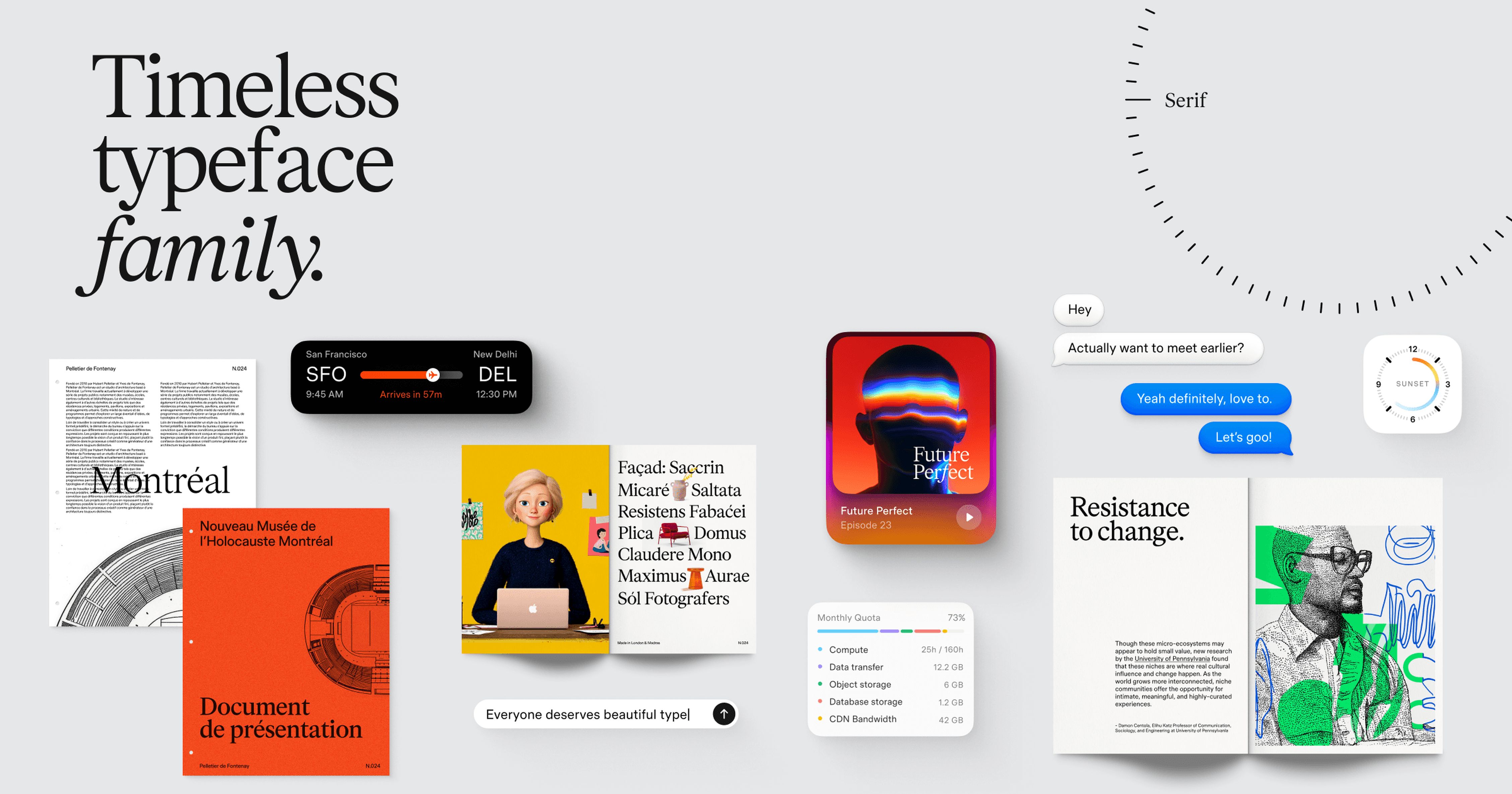
Timeless Type Family
Timeless Grotesk, Sans, Serif and Text — four variable typefaces with matching italics, free for personal and commercial use.
type
UI inspiration, tools, articles, and Figma resources — curated, indexed, and ready for studio designers.
Weekly digest every Tuesday · No spam · Unsubscribe anytime
248 designers subscribed across the beta — resources, articles, tools & more.
Tools, articles, and design inspiration from the global design community.
Timeless Grotesk, Sans, Serif and Text — four variable typefaces with matching italics, free for personal and commercial use.
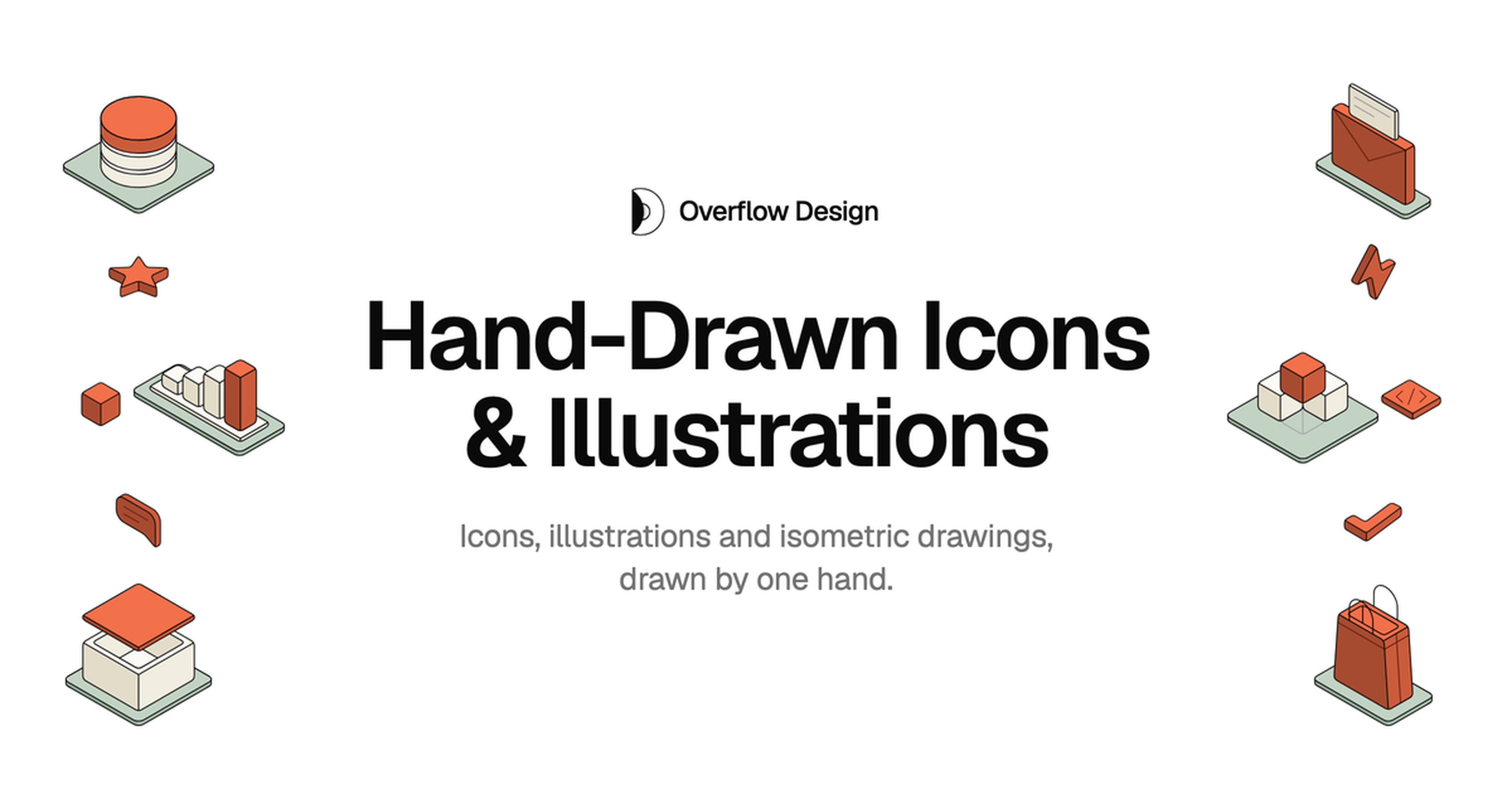
Hand-drawn icons, illustrations, and isometric drawings (1,800+), with a Figma plugin and an MCP so Claude Code, Cursor, and Codex can search and drop SVG or JSX into a project.
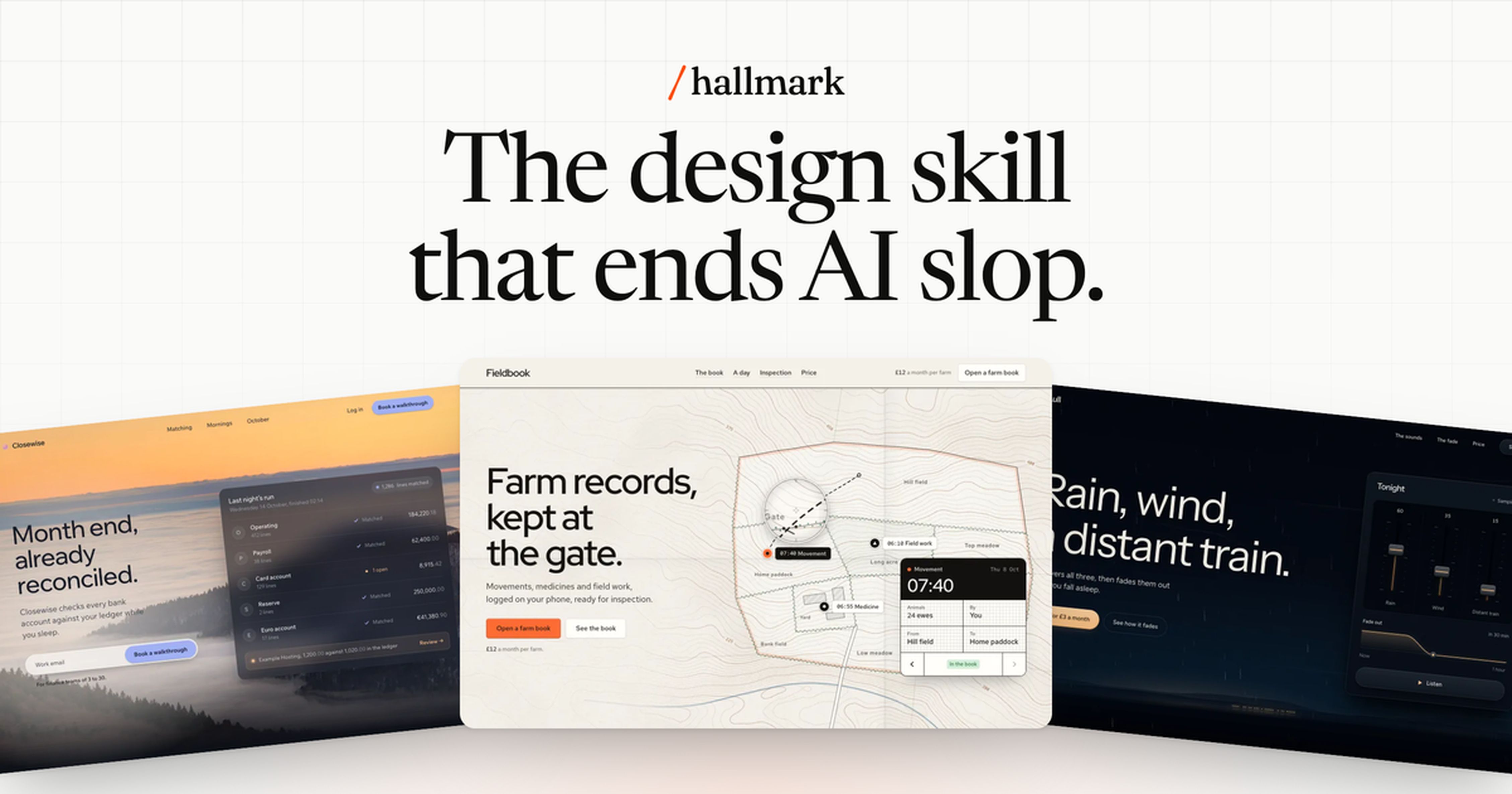
Anti-AI-slop design skill for Claude Code, Cursor, and Codex. Fifty themes; lint against machine-made UI tells.
Create logos, print designs, and illustrations from a prompt or an image. Scalable, editable SVG ready for projects.
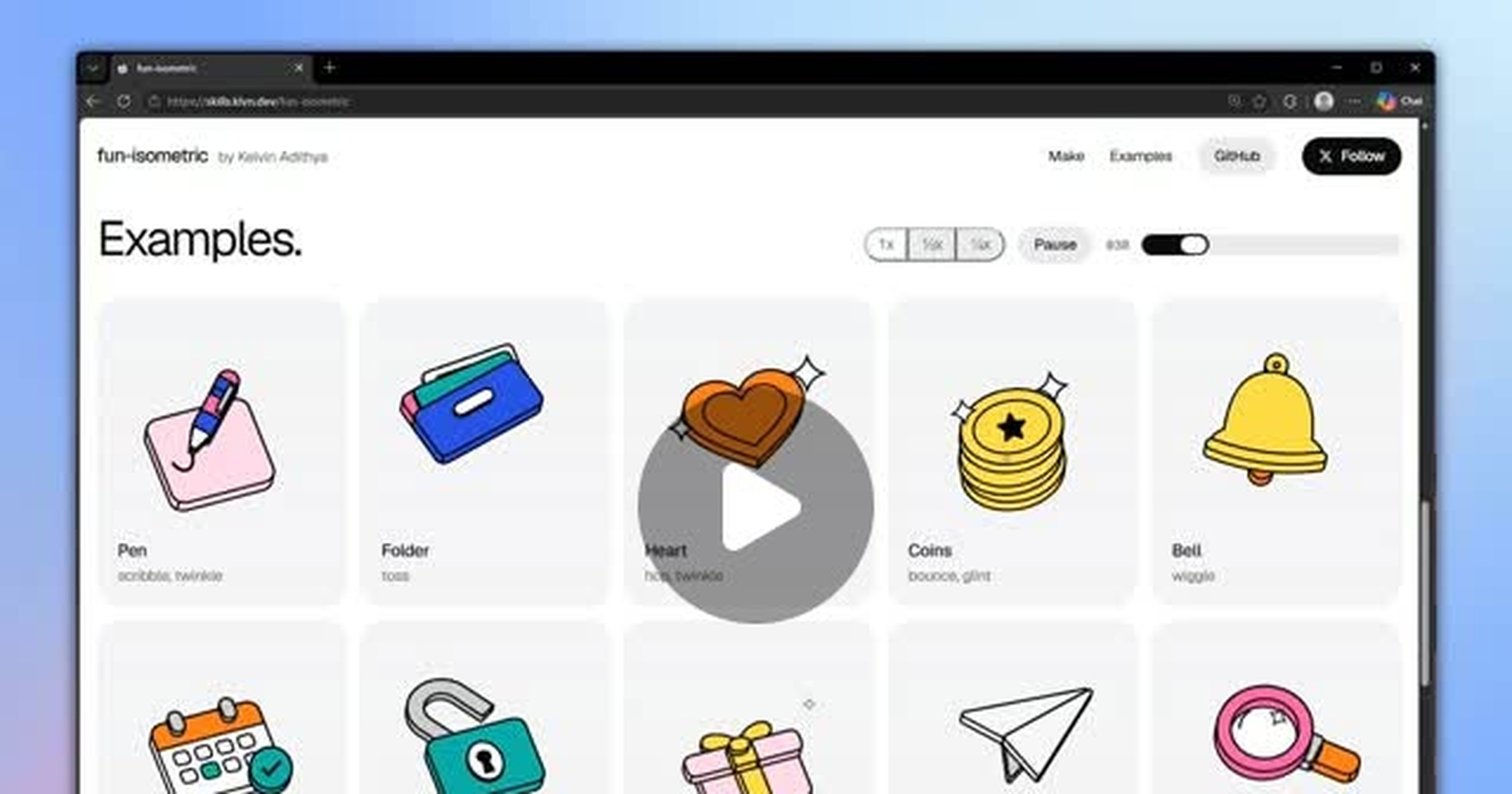
Fun Isometric is an AI coding-agent skill that creates animated isometric illustrations from a short prompt (npx skills add kelvinkn17/skills@fun-isometric).

Daily prompt share for turning a photo into a layered paper-scene editorial poster (top photo, bottom paper-cut).
Rikyū is the AI design tool for businesses without a designer. Logos, ads, print, websites, apps, 3D, and video—just say what you need.

Open-source React effects for AI interfaces: animated borders, thinking indicators, voice visualizers, bot avatars, liquid metal and image loaders. Install from npm.
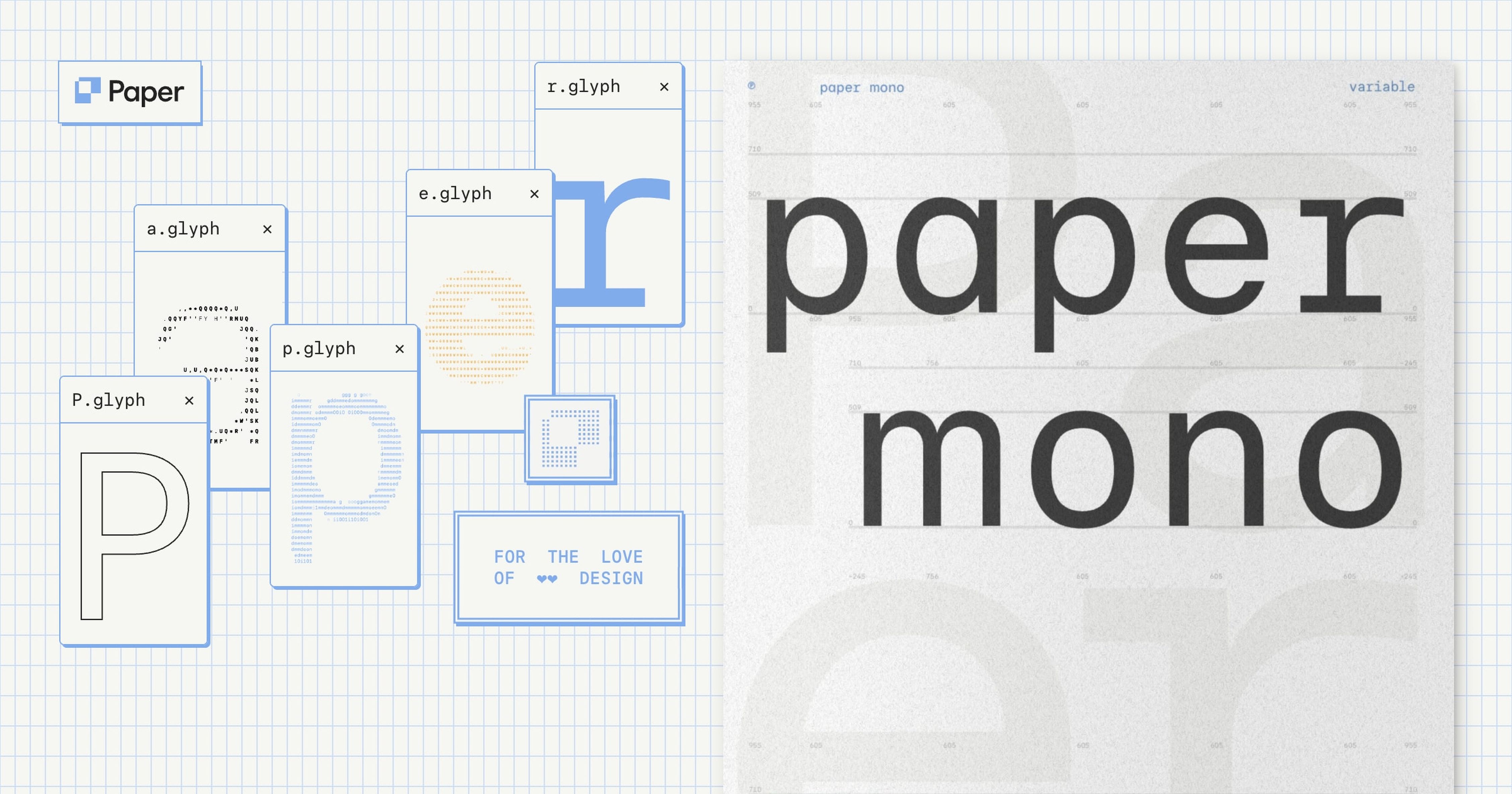
Paper Mono is a free and open source monospace font family by Paper, released under the SIL Open Font License 1.1. It ships as a variable font with 8 weights from Thin (100) to Extrabold (800), plus o
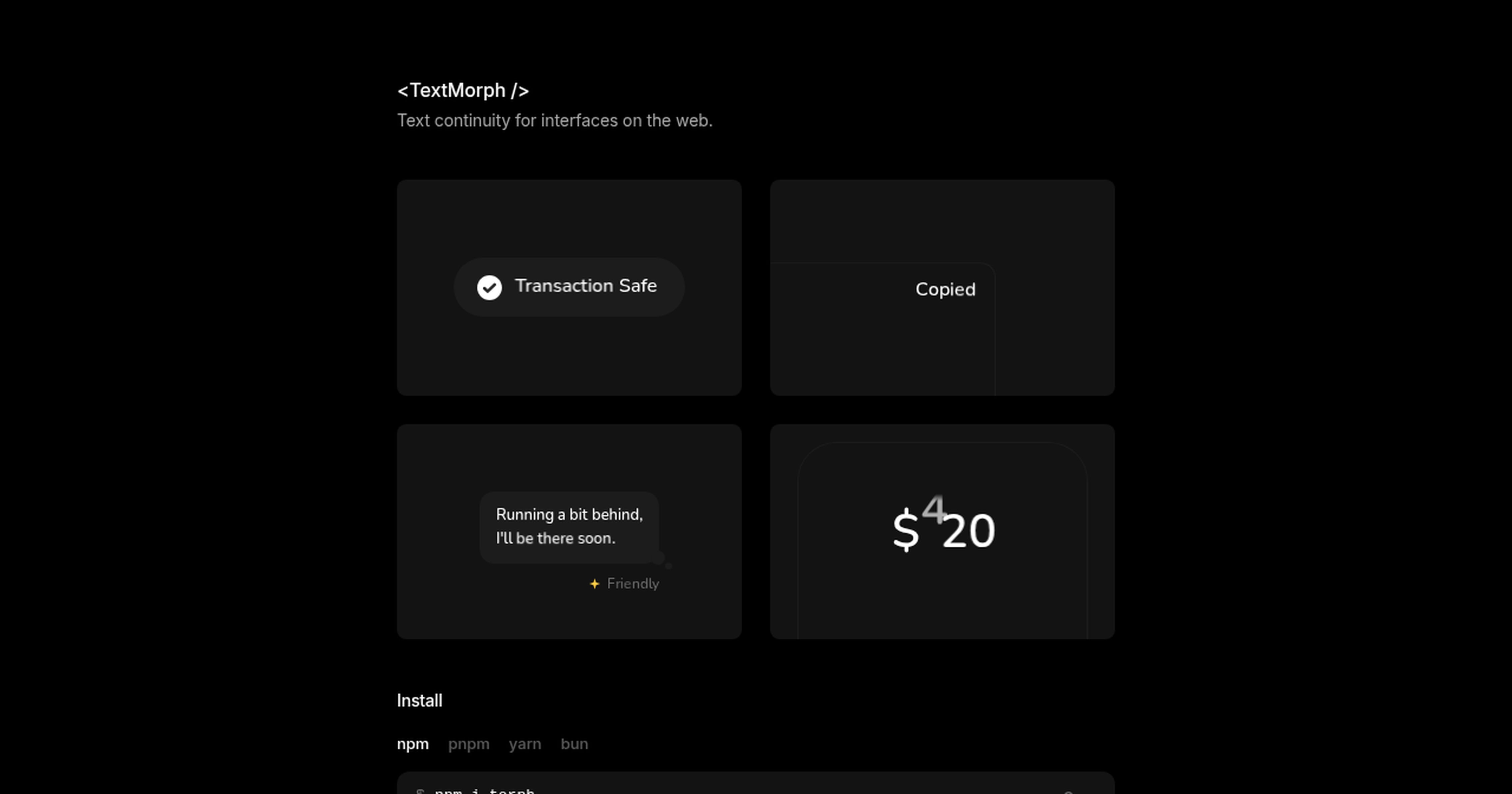
Torph is a dependency-free animated text component that morphs smoothly between text values, for example status labels, button copy and changing numbers. It installs as the `torph` npm package and has
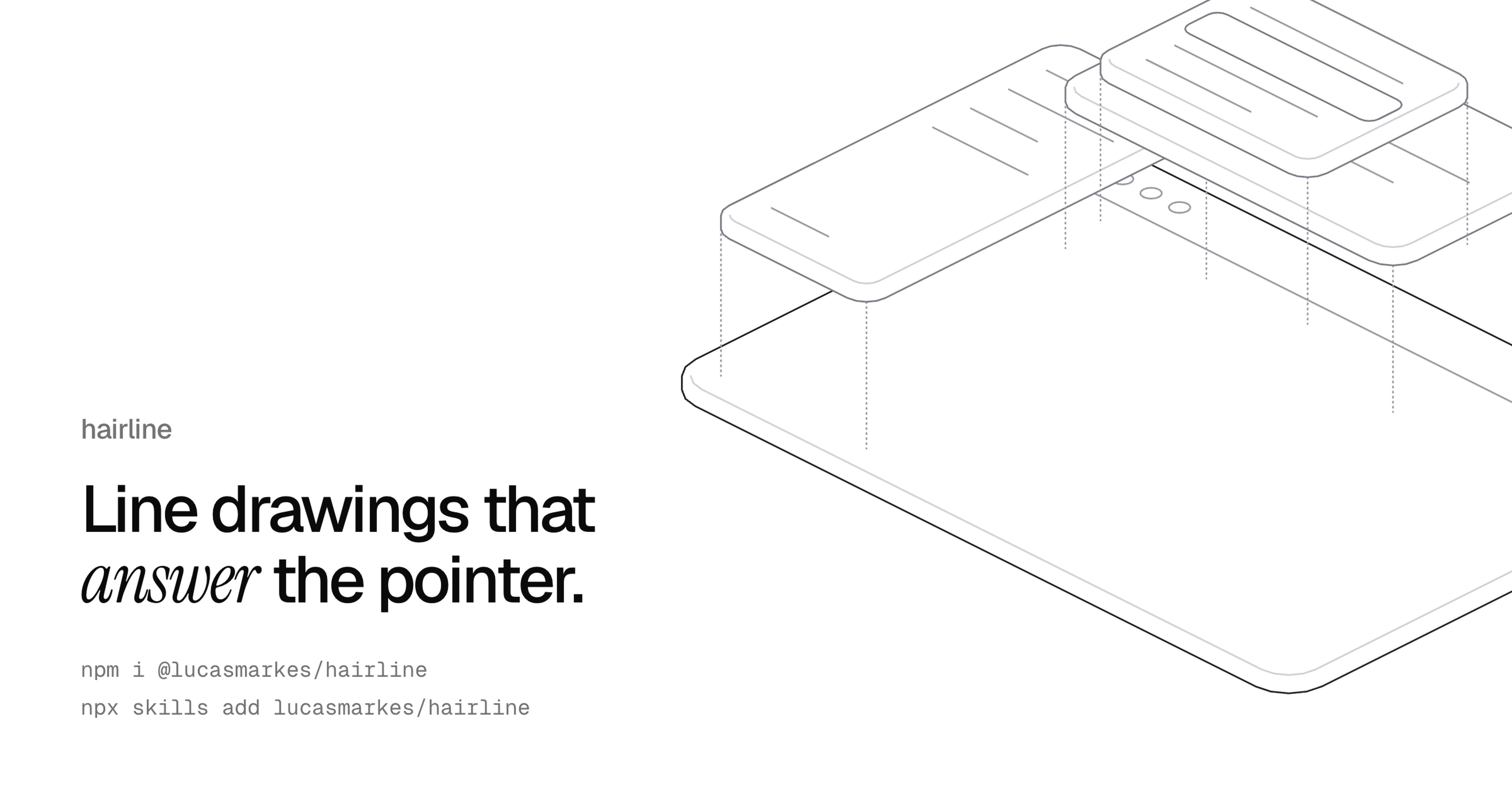
A set of 27 isometric line illustrations, delivered as SVG, that react to the pointer. It has no dependencies and ships as a React package (`@lucasmarkes/hairline`) as well as a framework-agnostic opt

Layer-by-layer breakdown of modern AI chat inputs: field behavior, context bar, tool triggers, attachments, assist suggestions, and send/stop states that stay usable while streaming.
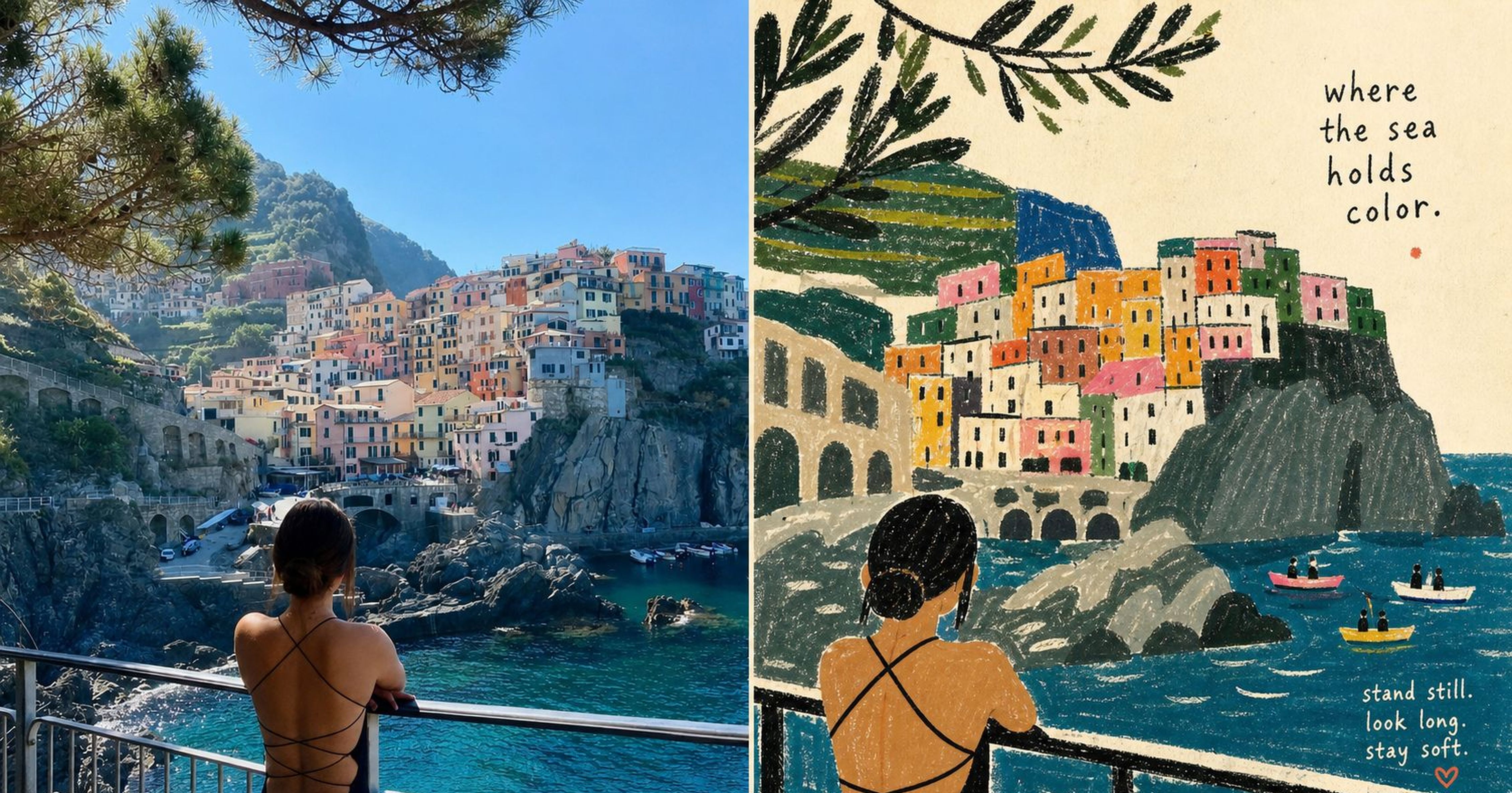
Agent skill for naïve folk-craft narrative illustration: multi-panel story scenes with flat color, decorative borders, and hand-drawn character storytelling (XXD Panel 100).
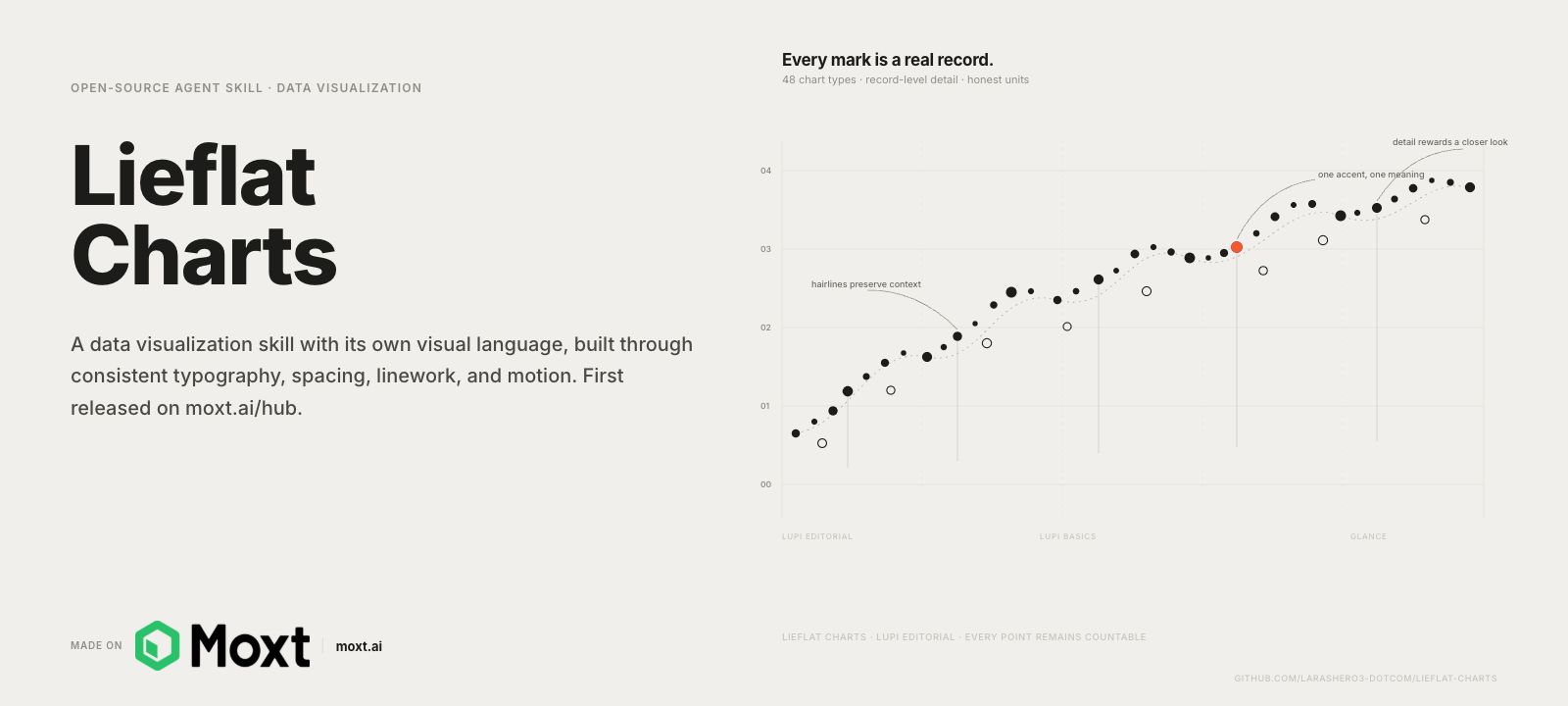
Agent skill that turns datasets into editorial HTML charts and reports: Lupi for slow-reading data stories, Glance for ranking in seconds, plus 12 bilingual full-page templates.
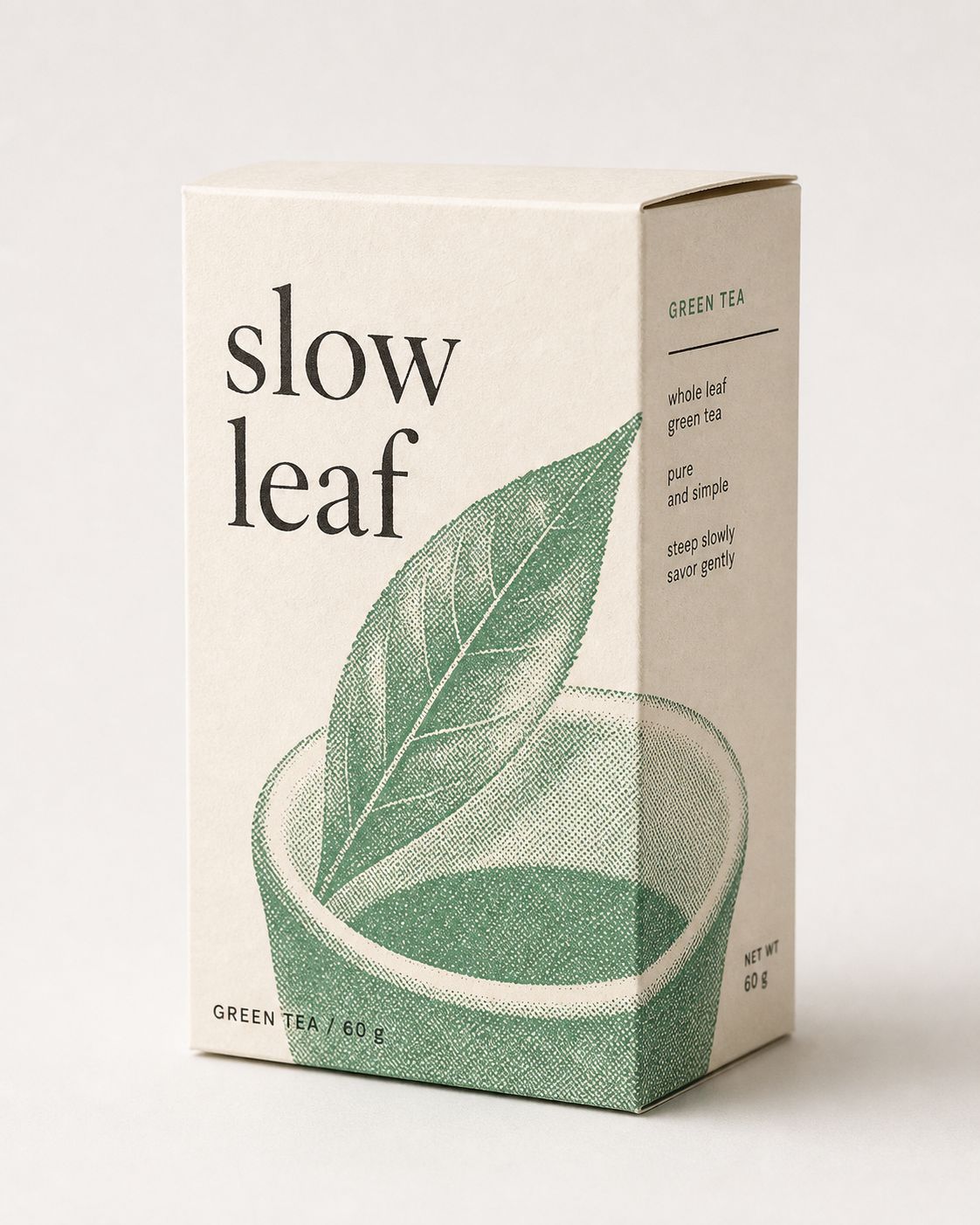
One-ink and two-ink editorial image skill for posters, zines, and packaging: halftone photography, visible paper, and restrained type. Not a monochrome filter.
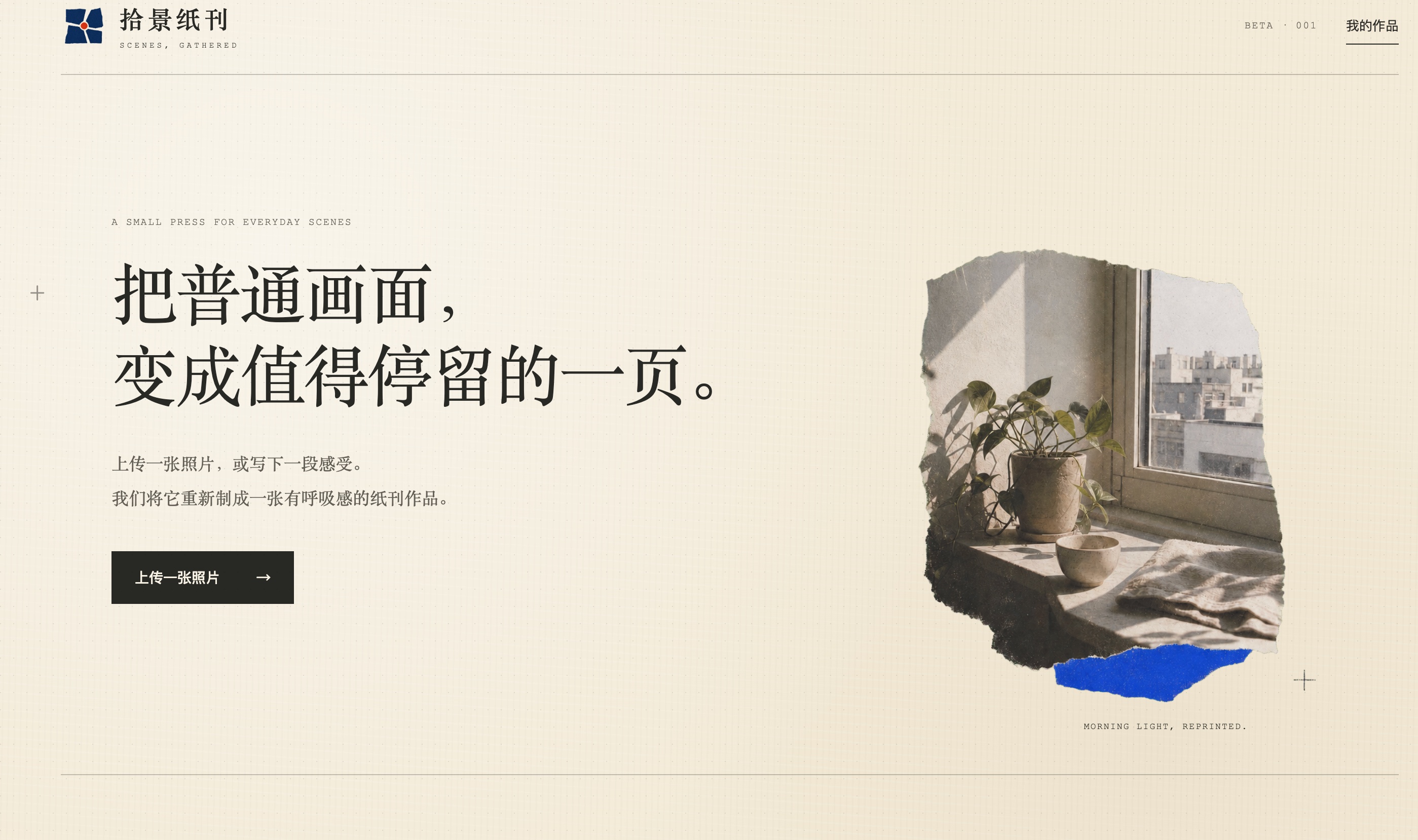
Codex skills that bind everyday photos into paper zine pages, either keeping the photograph as an anchor or distilling it into a new illustrated artwork.
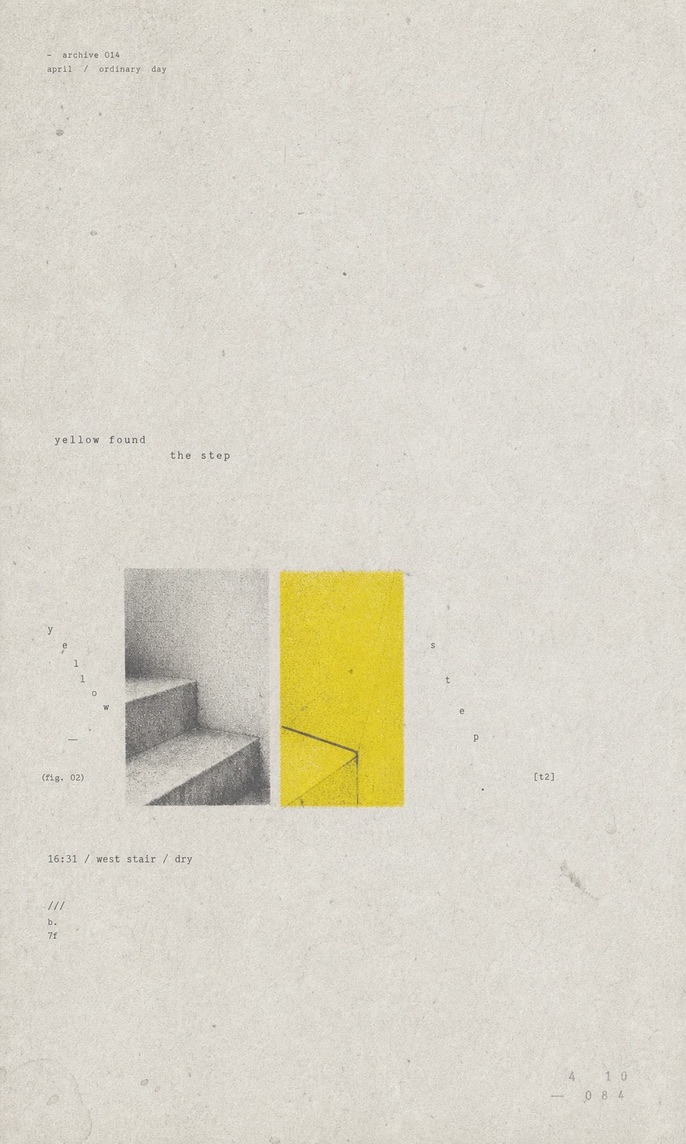
Codex skill that turns a theme, photo, or sentence into a sparse paper-texture zine poster: lots of negative space, one small subject, one loud color accent.
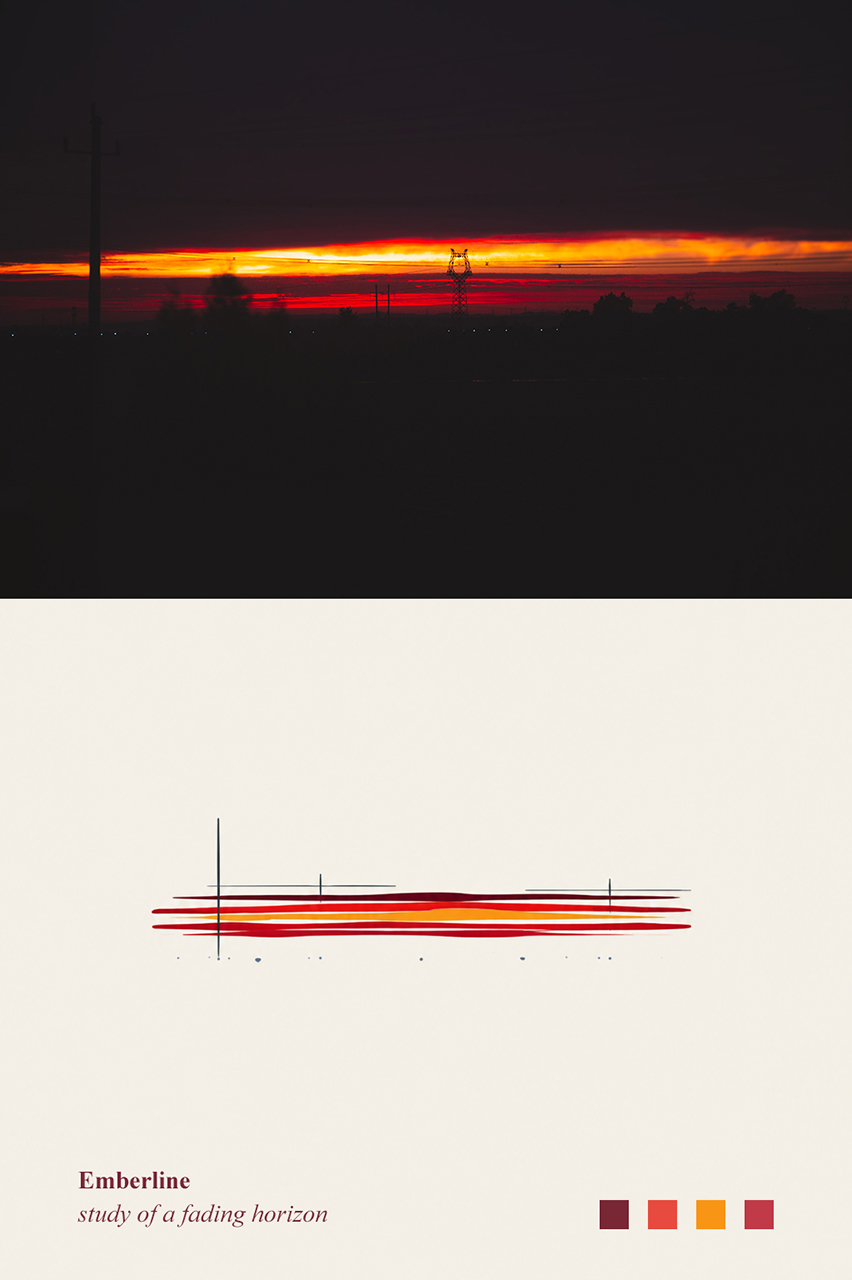
Codex skill that keeps the original photo and adds a lower abstract memory panel plus a short poetic English title. Not a filter or style transfer.
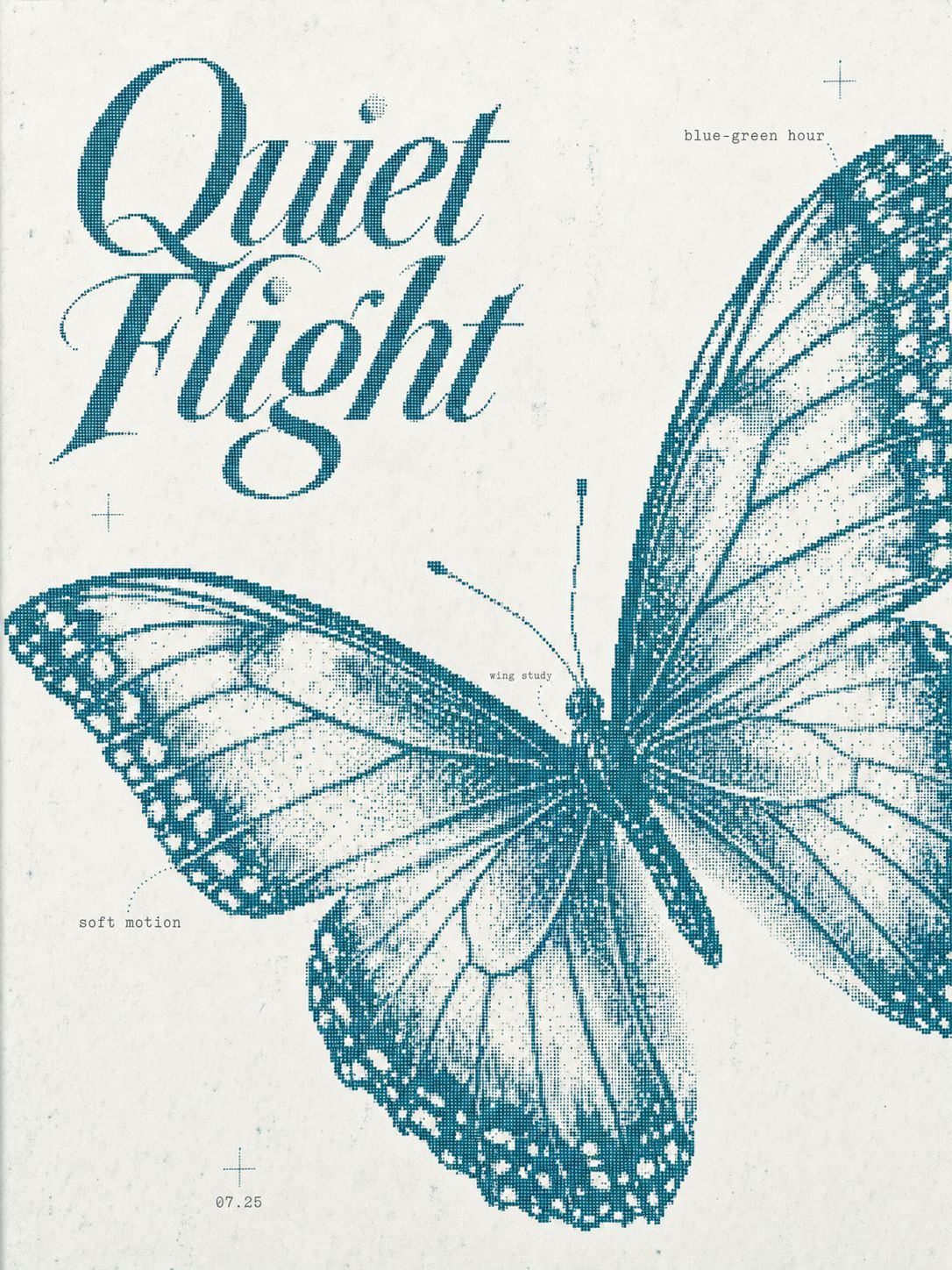
Codex skill for 3:4 bitmap editorial posters: fine dot-matrix subjects, quiet type, and print texture. Not retro game pixel art.
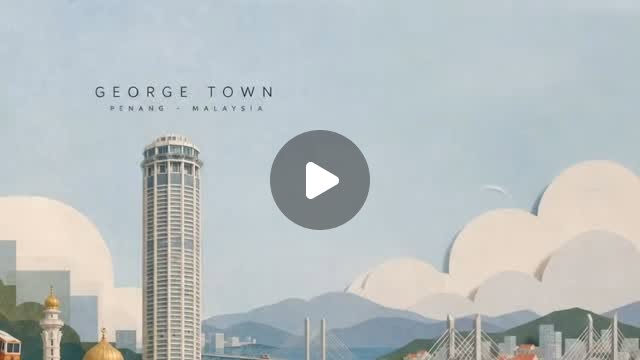
Gemini prompt that animates a still papercraft city — tiny vehicles, water, clouds — without leaving the paper-art look.
Color, tools, process, and perspective — long reads and guides for studio designers.
Apple’s first folding iPhone asks teams to keep one adaptive app across poses and two displays, not invent a separate “foldable mode” per hardware state. Size, aspect ratio, and which face is active will keep changing. The design brief is coherence. Start with Apple’s own material: iPhone Duo for developers, HIG: Designing for iPhone Duo, and the tech talks Design for iPhone Duo, Raise the bar, an
Last week, TailwindCSS released their v4 version with revamped color tokens using OKLCH. I forsee more web devs are going to adopt OKLCH as the new standard for color tokens. This might sound very technical, but it's actually a significant change UI/UX designer should be aware of. With major browsers now reaching 93.1% adoption rate, OKLCH is on track to be the new standard that bridges design and
Intercepting Routes was a new feature firstly released in NextJS 13. Currently NextJS file-based route system is like a sitemap, there are no specific order on how the route is read or triggered. In NextJS documentation, it also wrote: Note that the `(..)` convention is based on _route segments_, not the file-system. Intercepting route thinks differently by thinking how would a user enters a route